My Honest Experience as a Working DevOps Engineer
Let me be upfront about something: I almost postponed this exam three times. Work was busy, lab time was limited, and every time I sat down to study, I felt like I was behind. If any of that sounds familiar, this post is for you.
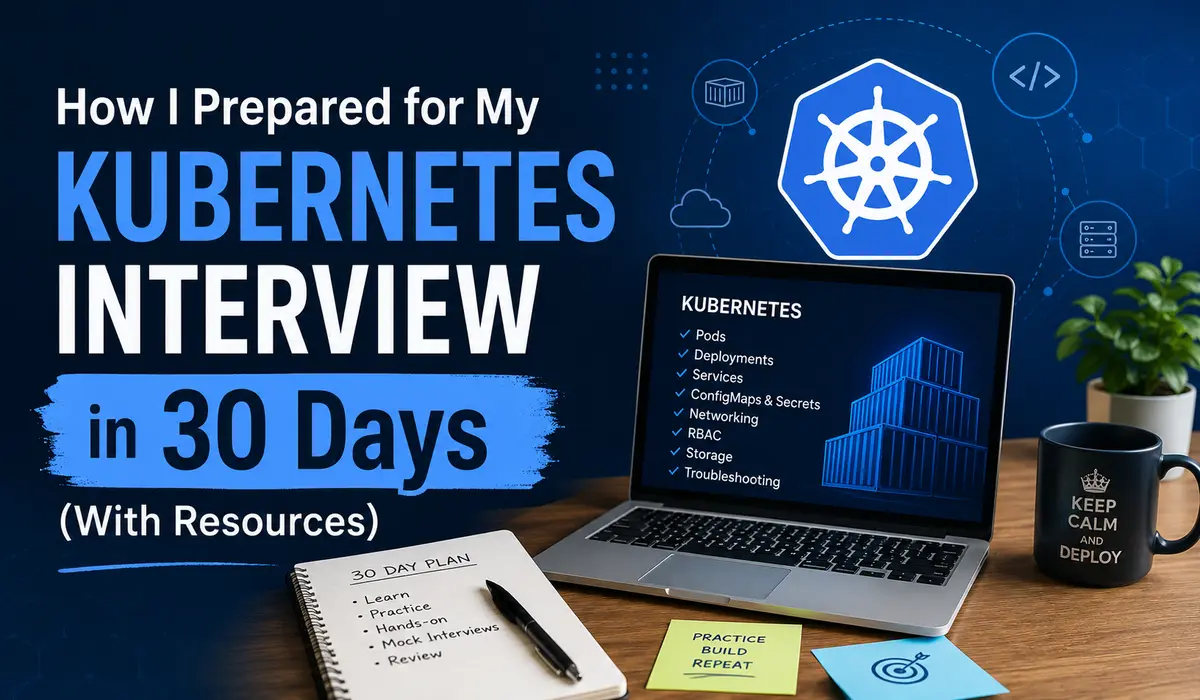
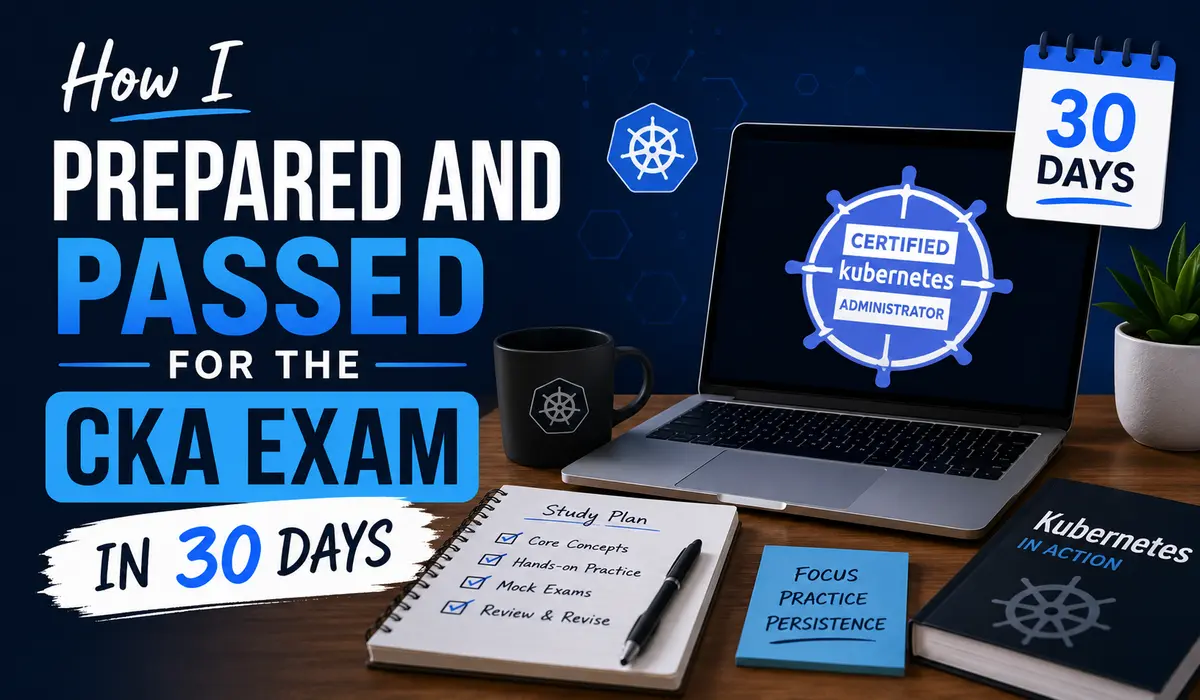
I passed the Certified Kubernetes Administrator (CKA) exam on my first attempt in March 2026. My prep window was 30 days, not because I was confident, but because I had already paid for the exam slot and had no good reason to push it again. Here is what actually happened, week by week, mistake by mistake and what I would do differently if I had to start over.
CKA exam preparation | This article covers my honest, unfiltered 30-day CKA study plan as a practising DevOps engineer with real Kubernetes production exposure.
My Background Before I Started
I had been working with Kubernetes for about two years at the time deploying workloads, debugging CrashLoopBackOff incidents, writing Helm charts, managing namespaces and RBAC policies. Not deep infrastructure work, but enough that I was comfortable with kubectl day to day.
What I did not have: any experience with kubeadm, etcd backups, or manual cluster bootstrapping. The exam tests you on those heavily, and my production environment was managed Kubernetes (EKS), which abstracts most of that away. That gap cost me almost a full week of catch-up.
If you come from a similar background, good with workloads and deployments, weaker on cluster internals, plan for that. It is the most common trap for engineers with managed Kubernetes experience.
Why 30 Days (And Why It’s Tight But Doable)
Thirty days works if and only if you are putting in 2 to 3 hours daily, six days a week. That is roughly 60 to 80 hours total. You cannot coast through this exam on theory alone. The CKA exam is entirely hands-on. You get a live cluster, a terminal, and two hours to complete 15 to 20 tasks. No multiple choice, no guessing.
The good news: if you already work with Kubernetes professionally, you will not be starting from zero. The bad news: the exam goes deeper than day-to-day operations. You need to understand things like static pods, custom schedulers, certificate management, and cluster upgrade paths details that do not come up in most DevOps workflows.
Honest assessment: 30 days is sufficient for someone with 1+ year of Kubernetes experience. If you are starting fresh, budget 60 to 90 days for cka exam.
Week-by-Week Breakdown
Week 1 – Getting the Lay of the Land (And Making Mistakes)
I started Week 1 with the Killer.sh course (bundled free with the Linux Foundation exam purchase) and the official Kubernetes documentation. My plan was to go through the exam curriculum domains and map them to study topics.
The domains and their exam weightings for cka exam are:
| Domain | Weight | Focus Area | My Score |
|---|---|---|---|
| Cluster Architecture | 25% | kubeadm, RBAC, etcd backup | Strong |
| Workloads & Scheduling | 15% | Deployments, DaemonSets, taints | Strong |
| Services & Networking | 20% | Services, Ingress, NetworkPolicy | Weak initially |
| Storage | 10% | PV, PVC, StorageClass | Moderate |
| Troubleshooting | 30% | Node issues, pod crashes, logs | Strong |
The biggest mistake I made in Week 1 was spending too much time reading and not enough time doing. I read through the Kubernetes documentation on Services and Networking for two hours one evening, felt like I understood it, and then completely blanked when I tried to create a NetworkPolicy from scratch on a live cluster the next day.
The lesson I took from that: for this exam, reading is overhead. Doing is learning. If I read something, I needed to immediately reproduce it in a terminal.
By the end of Week 1, I had covered cluster architecture, basic pod specs, ReplicaSets, and Deployments. I had a working kubeadm cluster on a pair of EC2 instances (t3.medium) that I kept running for the rest of the month.
# Setting up a kubeadm cluster - what I practiced repeatedly
$ kubeadm init --pod-network-cidr=10.244.0.0/16


# Join a worker node
$ kubeadm join <control-plane-ip>:6443 \
    --token <token> \
    --discovery-token-ca-cert-hash sha256:<hash>


# Install Flannel CNI
$ kubectl apply -f https://raw.githubusercontent.com/flannel-io/flannel/master/Documentation/kube-flannel.yml
Week 2 — Hands-On Labs, Hard Mode
Week 2 was where I started taking the exam seriously. I stopped treating it like a course and started treating it like a job skill I needed to develop under time pressure.
My core practice method: time myself. I would pick a task from the exam curriculum, set a 10-minute timer, and try to complete it without looking at any documentation. If I could not finish in time, I would note where I got stuck, look up only that specific thing in the Kubernetes docs, and redo the task clean.
The topics I drilled hardest in Week 2:
- Persistent Volumes and PersistentVolumeClaims the YAML is verbose and error-prone
- RBAC creating ServiceAccounts, Roles, ClusterRoles, and bindings
- etcd backup and restore using etcdctl
- Static pods creating them by dropping manifests into /etc/kubernetes/manifests
- DaemonSets, Jobs, CronJobs not complicated but easy to get wrong under pressure
The etcd backup/restore task deserves its own callout because it tripped me up badly the first time:
# Backup etcd - this exact syntax needs to be muscle memory
ETCDCTL_API=3 etcdctl snapshot save /opt/snapshot-pre-boot.db \
  --endpoints=https://127.0.0.1:2379 \
  --cacert=/etc/kubernetes/pki/etcd/ca.crt \
  --cert=/etc/kubernetes/pki/etcd/server.crt \
  --key=/etc/kubernetes/pki/etcd/server.key


# Restore etcd from snapshot
ETCDCTL_API=3 etcdctl snapshot restore /opt/snapshot-pre-boot.db \
  --data-dir=/var/lib/etcd-restored
I ran this sequence probably 15 times over Week 2 and 3 until I could do it in under 3 minutes without checking documentation. On exam day, that task took me about 4 minutes. Worth every repetition.
Week 3 — Targeted Practice on Weak Areas
After two weeks, I had a clear picture of where I was weak: Services and Networking, specifically NetworkPolicies and Ingress controllers. These are not conceptually difficult, but the YAML syntax is finnicky and NetworkPolicy selectors are easy to get backwards under pressure.
I spent the first three days of Week 3 on nothing but networking. I created ClusterIP, NodePort, and LoadBalancer services from scratch, configured Ingress rules with path-based routing, and wrote NetworkPolicy manifests that isolated pods by label selector.
# Example NetworkPolicy - deny all ingress, allow only from app=frontend
apiVersion: networking.k8s.io/v1
kind: NetworkPolicy
metadata:
  name: allow-frontend-only
  namespace: backend
spec:
  podSelector:
    matchLabels:
      app: api
  policyTypes:
    - Ingress
  ingress:
    - from:
        - podSelector:
            matchLabels:
              app: frontend
The other thing I worked on in Week 3: troubleshooting scenarios. The Troubleshooting domain is 30% of the exam. I built broken clusters on purpose wrong kubelet configs, broken etcd, nodes in NotReady state and practised diagnosing and fixing them.
One exercise I found especially useful: take a working node, corrupt the kubelet configuration file, and then diagnose it from scratch using systemctl, journalctl, and kubectl describe node. Doing that five or six times gives you a solid mental framework for node-level debugging.
# Debugging a NotReady node - commands to have memorised
$ kubectl describe node <node-name>
$ ssh <node-ip>
$ systemctl status kubelet
$ journalctl -u kubelet -n 50 --no-pager
$ cat /var/lib/kubelet/config.yaml
Week 4 — Mock Exams and Final Revision
Week 4 was almost entirely Killer.sh. The Linux Foundation gives you two Killer.sh simulator sessions free with the exam purchase. Each session gives you 36 hours of access to a simulated exam environment with questions that are harder than the real exam.
My Killer.sh score on the first session: 58%. The passing score for the real CKA is 66%. I was not happy about this.
What I did: went through every question I got wrong, understood exactly why, and practised that specific task until I could nail it. The second Killer.sh session three days later: 74%.
The last two days before the exam, I did not do any new practice. I went through my personal notes (a markdown file I had been maintaining), reviewed the Kubernetes documentation structure so I knew where to find things fast, and made sure I had my aliases and shortcuts ready:
# Aliases I set up at the start of the exam
alias k=kubectl
export do='--dry-run=client -o yaml'
export now='--force --grace-period 0'


# Generate YAML quickly instead of writing from scratch
k run nginx --image=nginx $do > pod.yaml
k create deployment web --image=nginx --replicas=3 $do > deploy.yaml
Time-saving tip: The exam allows access to kubernetes.io/docs. Know the page structure. Searching for ‘NetworkPolicy’ in the docs takes 10 seconds. Scrolling through an unfamiliar page to find the right YAML example takes 2 minutes.
Exact Resources I Used
- Killer.sh CKA simulator the single most important resource. Non-negotiable.
- Mumshad Mannambeth’s CKA course on Udemy, solid beginner-to-intermediate coverage
- Official Kubernetes documentation (kubernetes.io/docs) always open, learned to navigate it fast
- KodeKloud practice labs are good for quick drills on specific topics
- My own two-node kubeadm cluster on EC2 are irreplaceable for open-ended practice
- A personal markdown notes file which I maintained this throughout, reviewed it every morning
My Daily Study Routine
I am a morning person, so I studied from 6:00 to 8:00 AM before work and then again for 45 to 60 minutes in the evening. Weekend sessions were longer, sometimes 3 to 4 hours on Saturdays.
- 6:00–6:15 AM: Review yesterday’s notes, test myself on one task cold
- 6:15–7:45 AM: New topic or hands-on practice (90% terminal time)
- 7:45–8:00 AM: Update notes, write down what I got wrong
- Evening: One Killer.sh or KodeKloud lab, 45 minutes max
I skipped Sundays entirely. Trying to study seven days a week over a month leads to burnout by Week 3. Rest days made me more effective on study days.
Biggest Mistakes I Made
These are the ones I would want someone to warn me about upfront:
Reading instead of doing. The exam is 100% hands-on. Every hour you spend reading documentation without a terminal open is mostly wasted time.
Not learning the kubectl imperative commands early. Writing YAML from scratch is slow and error-prone. Using kubectl create and –dry-run=client -o yaml to generate base manifests saves multiple minutes per question.
Underestimating the troubleshooting domain. It’s 30% of the exam. I spent maybe 15% of my prep time on it in Weeks 1 and 2. Course-corrected in Week 3 but still felt under-prepared.
Practising on Minikube. Minikube is fine for application development, but the exam uses multi-node clusters. Practise on a real multi-node setup, kubeadm on EC2, or a platform like Killercoda.
Panicking when a task looked unfamiliar. On Killer.sh practice, there were questions I had never seen before and I would freeze. The fix: skip and move on, come back later. Exam time management matters.
What Actually Helped Me Pass
- Time-boxing practice tasks, 10-15 minutes per task, then move on or look it up
- Doing each task multiple times until it was genuinely fast
- Learning to navigate kubernetes.io/docs without searching every time
- The etcd backup/restore task, drilling it until I could do it from memory
- Understanding kubelet, most node troubleshooting comes back to the kubelet config or service
- Reading the question twice before typing anything, misreading a namespace or resource name costs you the whole task
Exam Day Experience
The exam is proctored via a browser-based environment. You share your screen, disable other applications, and work in a remote terminal for two hours. The setup process takes about 15 minutes, so plan to start the check-in 20 minutes before your slot.
The terminal environment is comfortable, you get a split view with questions on the left and the terminal on the right. Context switching between clusters is done with a provided command at the top of each question.
My time split: I skimmed all 17 questions in the first 5 minutes and grouped them by difficulty. I tackled the medium-difficulty tasks first to build momentum, left the longest and hardest tasks for after I had banked some points, and saved two tasks I was genuinely unsure about for the final 20 minutes.
I finished with about 18 minutes to spare. I used that time to revisit three tasks I had flagged as uncertain. I changed one answer, left the others as-is.
Exam day tip: At the start of the exam, immediately set your aliases. Do not wait until you need them. And use the notepad feature (provided in the exam UI) to track which questions you want to revisit.
If I Had to Start Again: My Improved Strategy
Knowing what I know now, here is how I would approach 30-day CKA exam preparation differently:
- Week 1: Spend the first two days mapping the exam curriculum to the Kubernetes docs. Know where everything lives before you start studying it.
- Week 1–2: Set up a kubeadm cluster on Day 1 and never stop using it. Every concept gets practised on a real cluster the same day you learn it.
- Week 2: Start Killer.sh in the second week, not the fourth. Use your first session early to identify gaps, not as a final-week confidence check.
- Week 3: Dedicate at least 5 full sessions to troubleshooting, broken nodes, broken pods, misconfigured RBAC. This domain is the highest-weighted and the most neglected.
- Week 4: Freeze new content. Review notes, redo tasks that were slow, and protect your sleep.
One more thing: book the exam slot before you start studying. Having a deadline you cannot move made me take every study session more seriously than I would have otherwise.
Final Tips (Genuinely Actionable, No Filler)
- Learn vim basics or nano. You will edit YAML files in the terminal. If you have never used a terminal text editor, spend 30 minutes on vim before Week 1.
- Know how to use kubectl explain. It gives you the field definitions inline without needing to open the docs.
- Memorise the flag for dry-run output: –dry-run=client -o yaml. You will use it on almost every task.
- If a task involves a namespace, double-check you have the right one before running any command. Wrong namespace = zero marks on that task.
- The exam gives you access to one tab of kubernetes.io documentation. Bookmark key pages at the start: PersistentVolumes, NetworkPolicy, RBAC, and kubeadm upgrade.
# kubectl explain is underused and invaluable
$ kubectl explain pod.spec.containers.resources
$ kubectl explain networkpolicy.spec


# Quick namespace override instead of editing context
$ kubectl get pods -n kube-system
$ kubectl config set-context --current --namespace=production
Conclusion
Passing the CKA in 30 days is achievable if you already have real Kubernetes experience and are willing to spend the majority of your study time in a terminal, not reading slides.
The exam rewards engineers who can work accurately under time pressure. That is a skill you build through repetition, not through watching course videos. Set up a real cluster, time yourself on practice tasks, and use Killer.sh early, not just as a final-week confidence check.
I am not going to tell you it was easy or that 30 days felt comfortable. There were evenings where I skipped study, mornings where I made the same kubectl mistake for the third time in a row, and a Killer.sh practice score that made me seriously consider pushing the exam date.
But the methodology worked. Systematic, hands-on, time-pressured practice, that is what the CKA rewards. Good luck.
FAQ
Is the CKA exam open-book?
Yes, partially. You can have one browser tab open to the official Kubernetes documentation (kubernetes.io/docs, kubernetes.io/blog, and the GitHub repos for Kubernetes). You cannot use any other resources. Knowing how to navigate the docs quickly is itself a skill worth practising.
What score do you need to pass the CKA?
The passing score is 66%. The exam is scored on task completion, and partial credit is possible on some tasks. You have two hours for 15 to 20 tasks, which works out to roughly 6 to 8 minutes per question on average.
Is Minikube sufficient for CKA preparation?
No. Minikube is single-node, which means you cannot practise anything that requires a control plane and worker node separation, cluster upgrades, node draining, etcd management, or node troubleshooting. Set up a real kubeadm cluster on two VMs or use Killercoda’s free Kubernetes playground.
How many times can I attempt the CKA exam?
The Linux Foundation gives you one free retake if you do not pass on your first attempt. Both attempts must be taken within 12 months of purchase. Given that, first-attempt preparation is worth investing in properly, but if you fail, the retake opportunity is there.
Should I take the CKAD before the CKA?
Only if application development is your primary background. If you are already working in a DevOps or SRE role with cluster-level responsibilities, the CKAD covers material that is a subset of the CKA. Taking CKA first and treating CKAD as an optional follow-up is a reasonable path for infrastructure-focused engineers.

Pratik Shinde
Pratik Shinde is a DevOps and Cloud professional based in Pune, Maharashtra, India, with hands-on experience in building and managing scalable systems. Working in top multinational Organization as Devops Engineer with experience of 10+ years. He has a strong working background in DevOps, Kubernetes, and cloud platforms, along with practical exposure to artificial intelligence and machine learning concepts. He also shares knowledge and learning resources on platforms like LinkedIn and other social channels, aiming to simplify complex topics and make them accessible to a wider audience. Linkedin URL: https://www.linkedin.com/in/pratikshinde8494/ . Github URL: https://github.com/PratikShindeGithub